Billing Portal
What a Lightweight Billing Portal Should Include
A Stripe-native billing portal does not need to become a full finance product. It needs to answer the recurring questions customers ask after an invoice is sent.
By Jeremiah Flickinger
Start With the Jobs Customers Actually Have
Most billing portal visits are practical. Customers want to find an invoice, confirm whether it is paid, update a payment flow, or share a link with someone on their finance team.
Keep Stripe as the Source of Truth
A lightweight portal should complement Stripe, not fork billing logic. Paperbeam keeps the operational model Stripe-native while improving the customer-facing experience around invoices.
Make Self-Service Boringly Clear
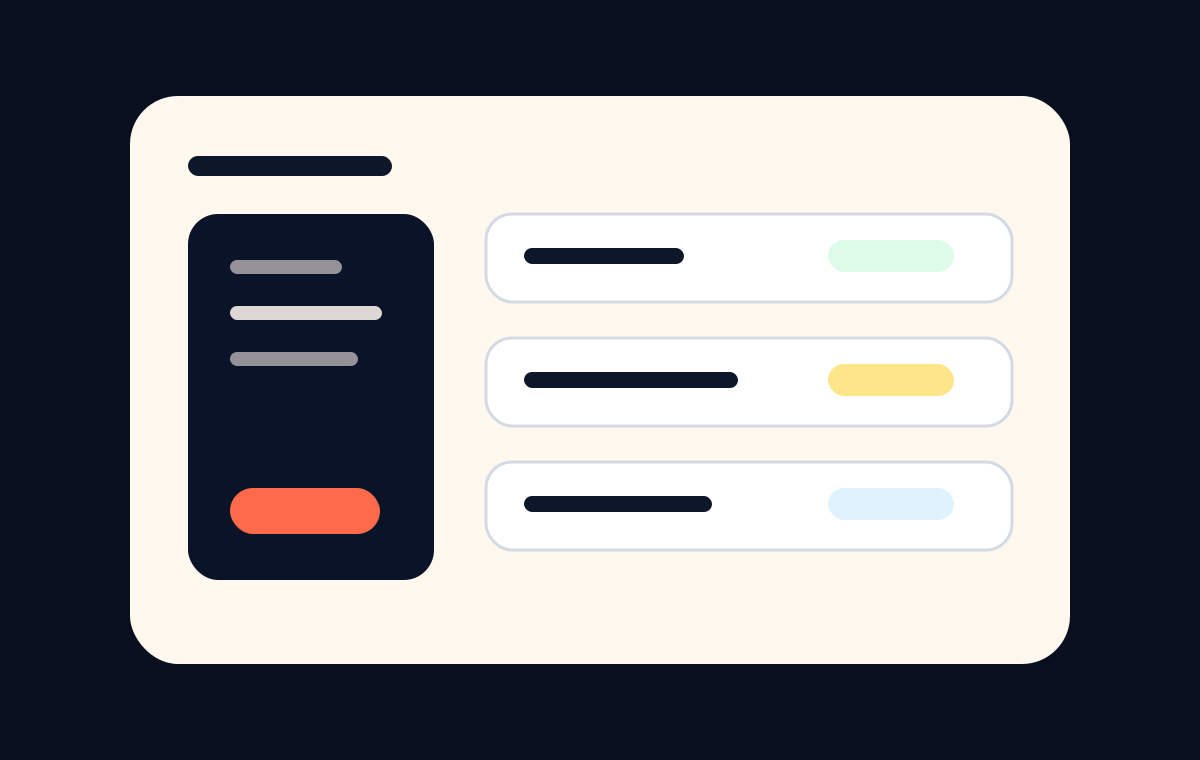
- List invoice status and amount due in a scan-friendly way.
- Make payment, download, and support actions easy to find.
- Use brand context so customers know they are in the right place.
- Keep the portal focused enough that buyers do not need instructions.
What to Avoid
Avoid turning a portal into a dense dashboard for every billing edge case. The goal is to reduce support load and payment confusion, not introduce another product customers have to learn.